DrawMode Desktop.
Your models, on your machine.
The whole DrawMode workbench as a native desktop app. Everything runs locally, and your diagrams are stored as plain files on your own disk — nothing leaves your machine unless you send it somewhere.
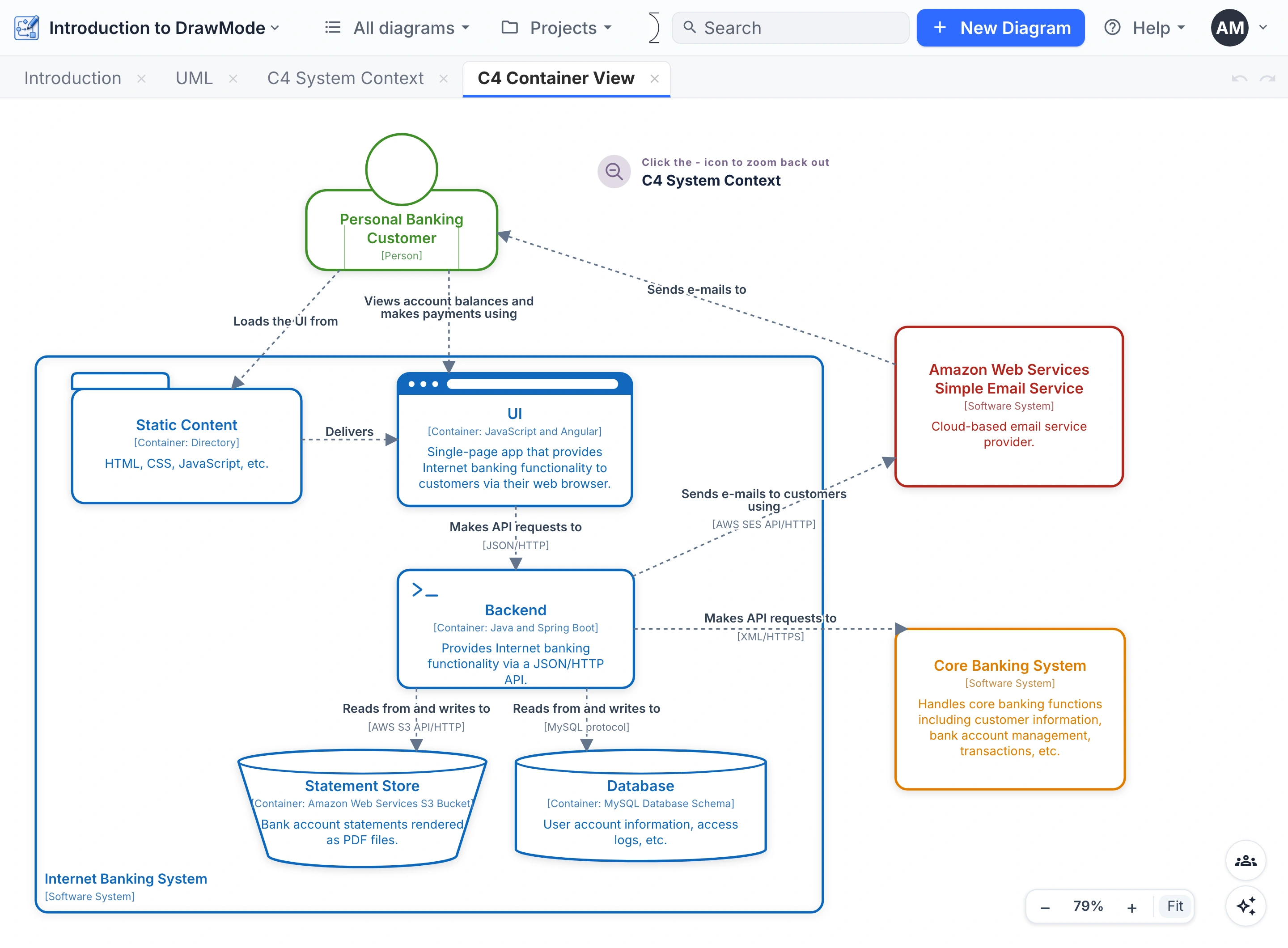
The same DrawMode, all of it
Desktop isn't a cut-down viewer: it is the full workbench — all the diagram types, the Shift palette, tabs and split panes, exports to PNG, Mermaid, PlantUML, OPML and the typed pure model.
You start in the same Introduction project, and the User Manual applies unchanged.
Plain JSON, ready for git
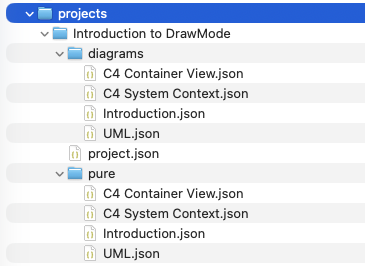
A project on disk is just a folder. Every diagram is one readable
JSON file, and beside it — in pure/ — sits the
pure model: the same structure with the visual layer stripped
away, ready for code generators and other downstream tools.
Because they're plain files, your models version like code: commit them to git, diff a change, review it in a pull request, roll it back. Your diagrams live in your repo, next to the software they describe.
Web and Desktop, compared
Everything that makes DrawMode DrawMode is identical in both — the canvas, the Shift palette, all the diagram types, the exports and the User Manual. What differs is where it runs and where your work lives.
| DrawMode Web | DrawMode Desktop | |
|---|---|---|
| Where does it live? | In your browser — draw.modebit.ai | On your desktop — a native app, working offline |
| Your diagrams | In shared projects, synced live | Plain local files on your own disk |
| Teams | Full diagram sharing — live edits, team cursors, chat | Single-user — nothing leaves the machine |
| Account | Free sign-up | None — no login at all |
| AI assistant | Built in | Built in — bring your own key |
| Your documents | Vectorized reference docs — coming soon | Unlimited — vectorize your own docs and make DrawMode your personal expert |
Local files, no lock-in
Projects live in a simple on-disk store in your platform's app-data folder. No database, no proprietary format — back it up, sync it, move it: they're your files.
Private by default
No account, no login, no telemetry of your models. The canvas, the file store and the exports all run on your machine — built for work that isn't allowed to leave the building.
AI — bring your own key
The assistant works on desktop too — just add your own API key. Skip it and everything else still works: the AI is optional.
Updates on your terms
Check for Updates looks at the public GitHub releases and offers you the new build — nothing downloads or installs behind your back.
Take it offline.
Download the app, open the example project, and your next architecture diagram never touches the network.