DrawMode

Software diagrams that
understand the system.

Create UML, C4, sequence, and data diagrams with an agentic AI assistant that understands the underlying models — not just the visuals.

draw.modebit.ai
DrawMode showing a C4 container diagram of an internet banking system — real app window with tabs, search and live canvas
The Shift context palette — Person, Software System and Boundary tiles arranged in a ring
Hold Shift for
the context palette

Beautiful by default

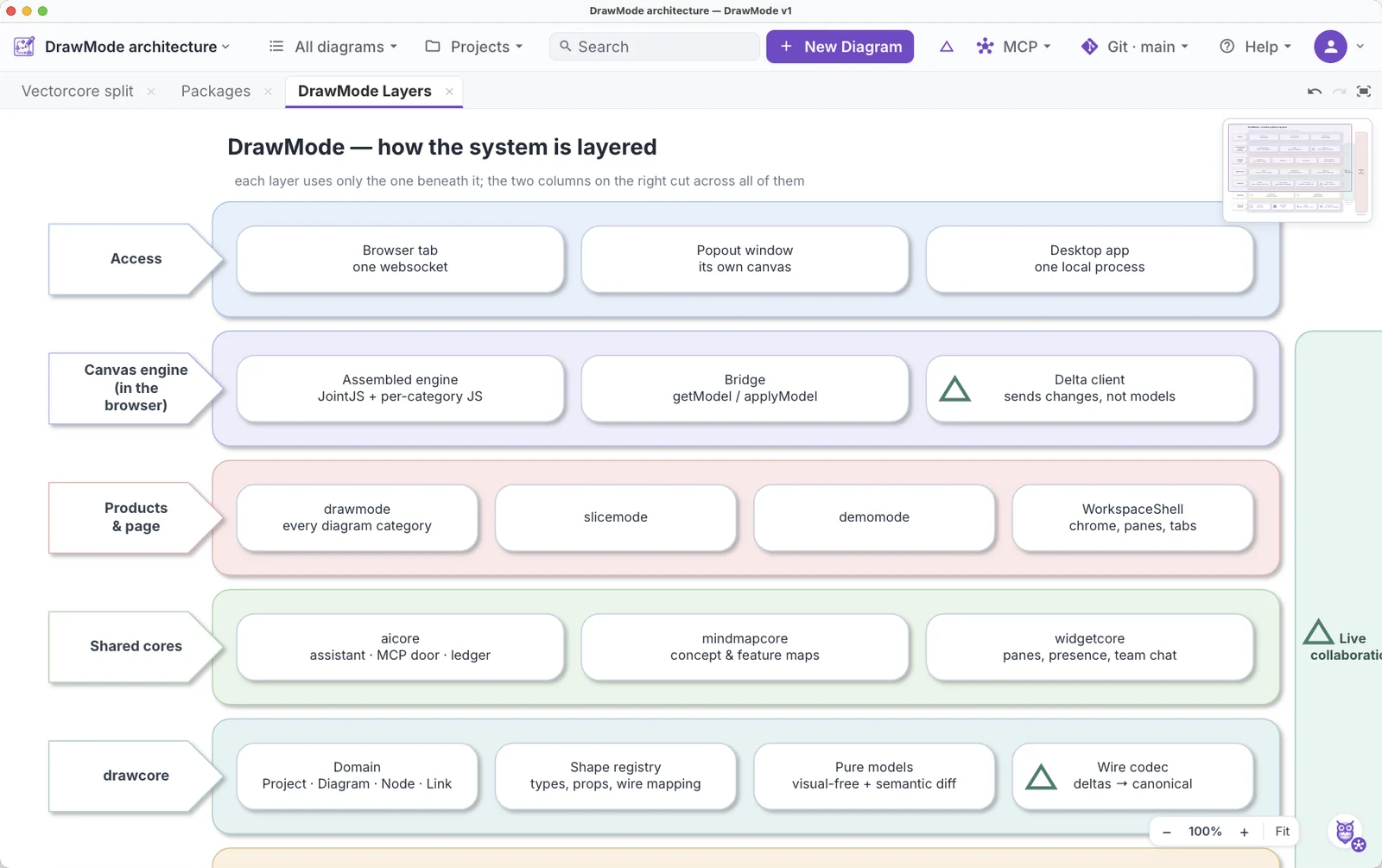
Publication-quality, attractive visuals — DrawMode isn't just substance, it's designed to impress visually. Put C4, UML, sequence and state diagrams straight into an architecture review, paper or slide.

One interaction language

Hold Shift. The palette shows actions that make sense where your pointer is. Learn once, use everywhere.

AI sees the model

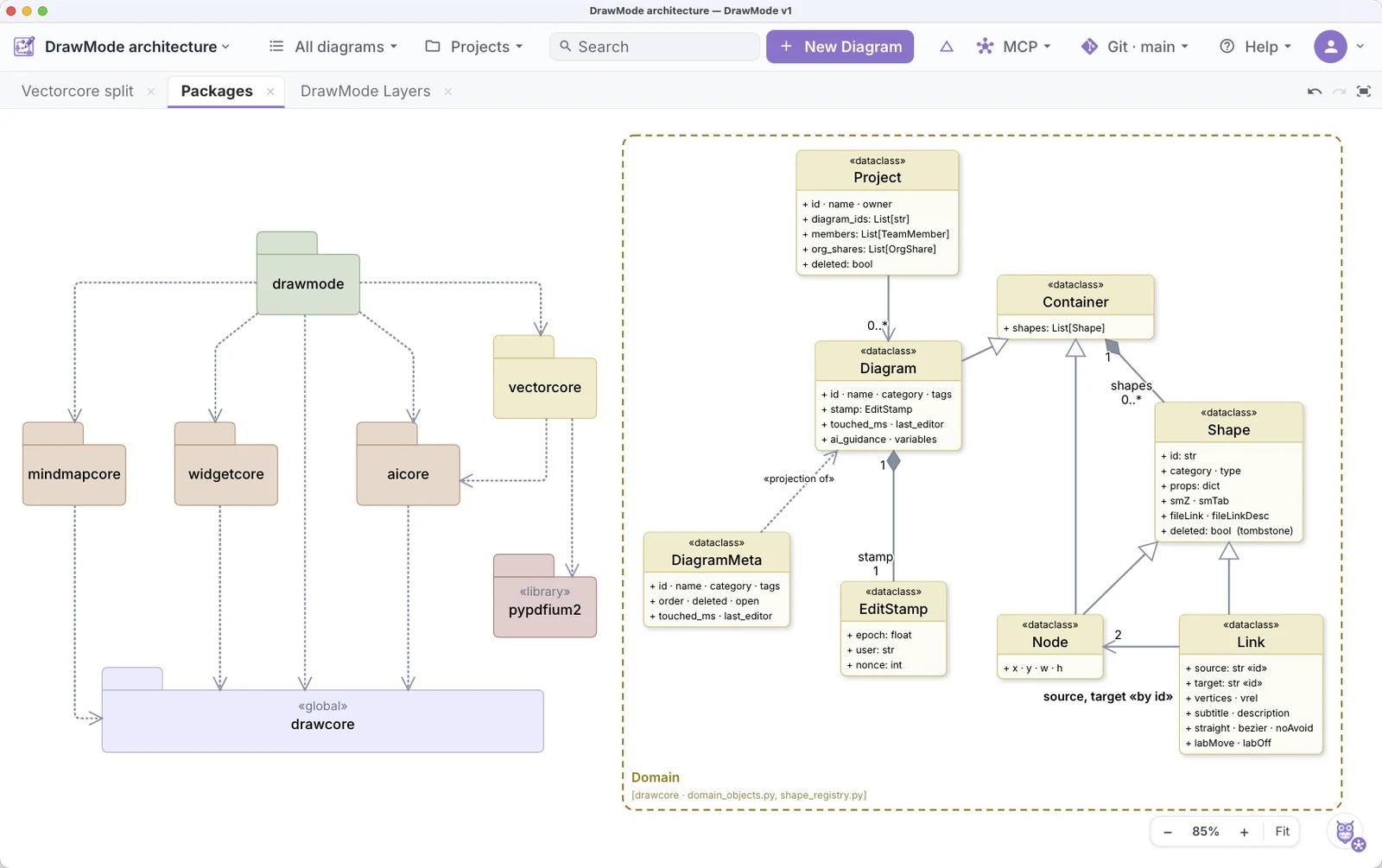
The assistant works on the same diagram with you — discussing, changing and improving your design. More →

Built for teams

Diagrams live in shared projects. Edits are live. Your team is always in sync.

Built for software thinking.

See all the diagram types →

The diagrams engineers actually struggle to make well.

Native AI

Describe a system and the assistant draws a real model — then discusses it, extends it and keeps it consistent with you.

Meet the assistant →

DrawMode Desktop

The whole workbench on your desktop — your models stored as plain local files that never leave your machine.

Get the desktop app →
ModeBit
ModeBit

ModeBit builds tools for designing and reasoning about software.

Start designing.

Open the example project, move things around, press Shift and see how DrawMode works. No setup required.